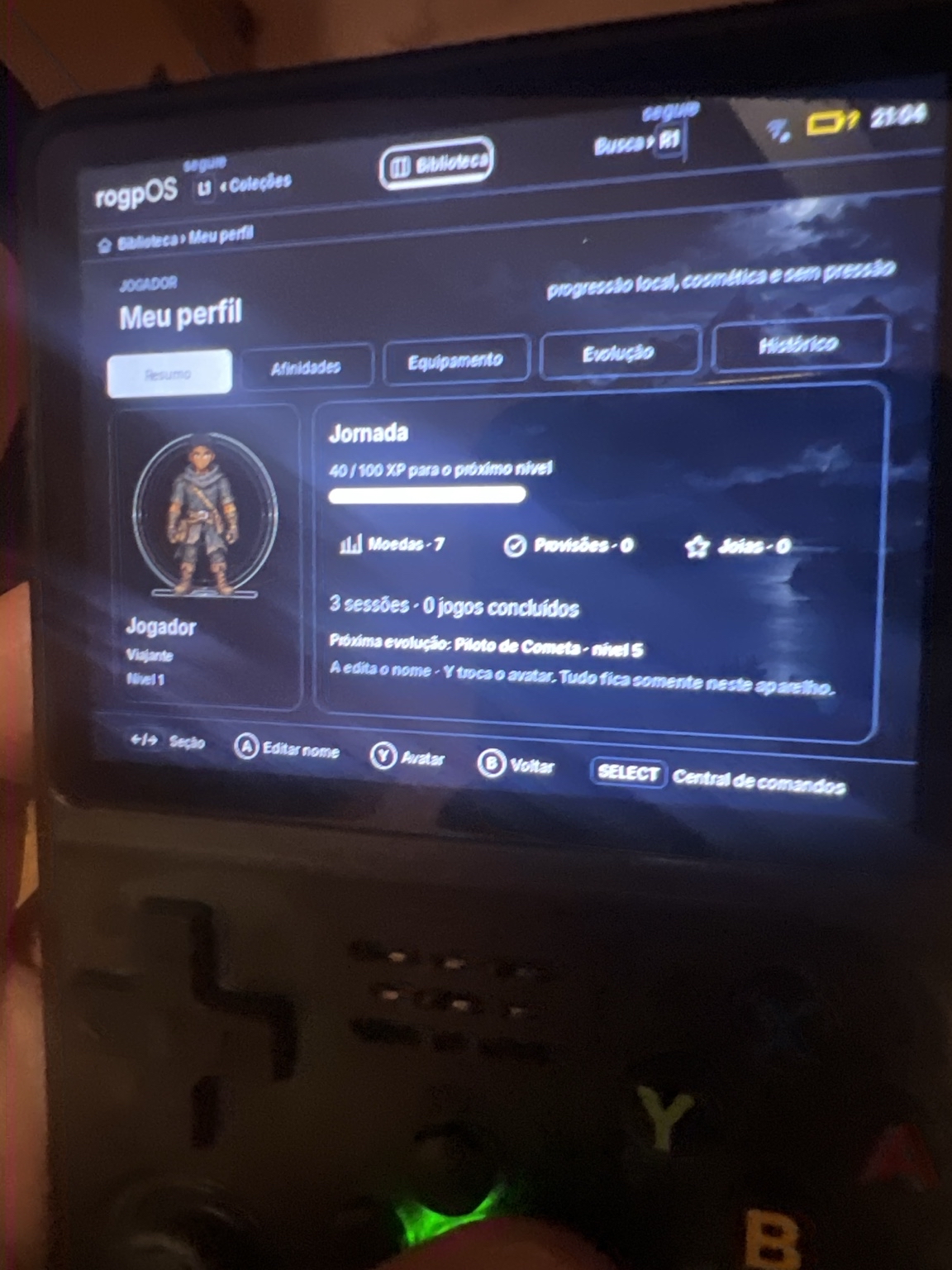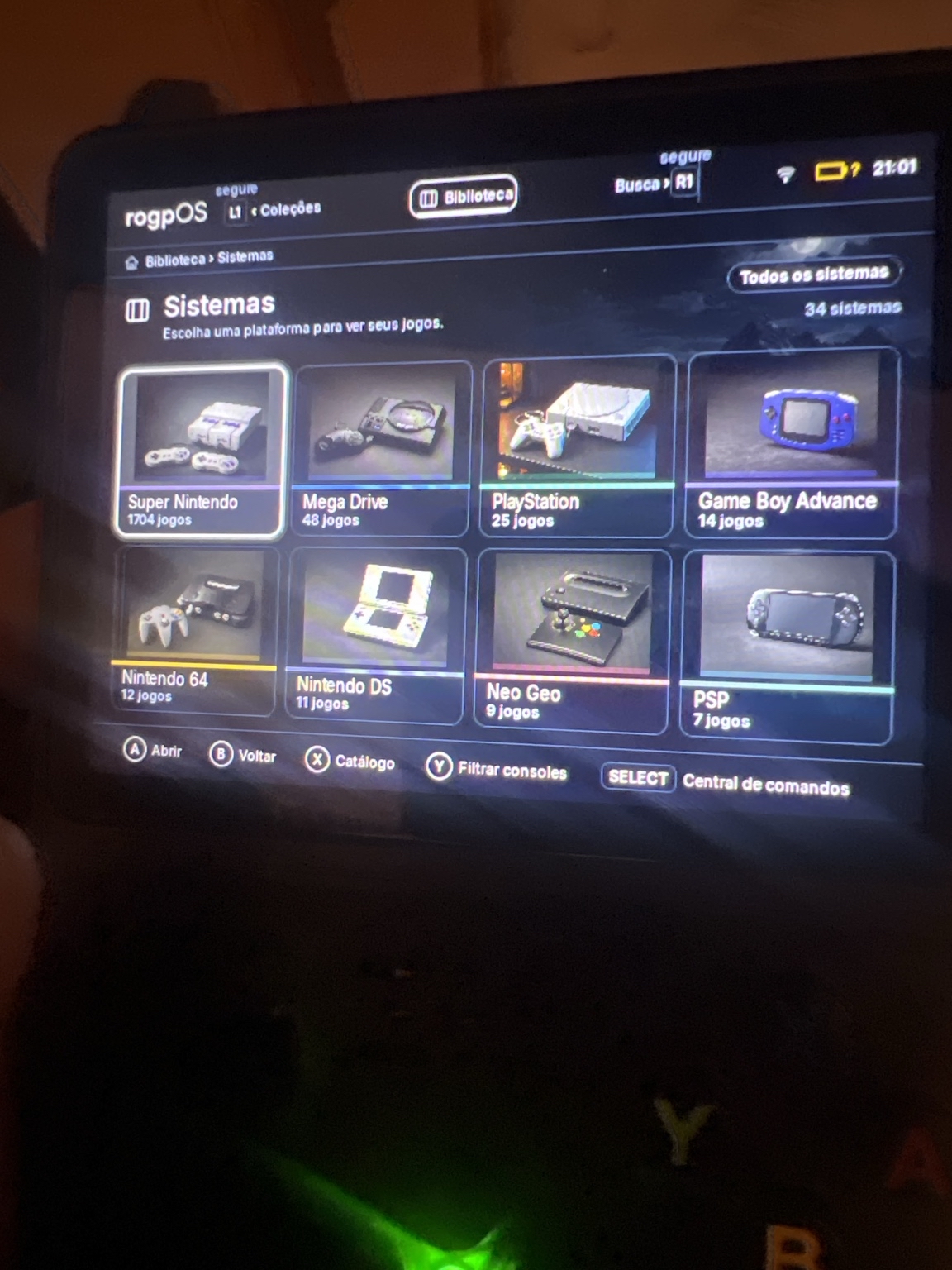
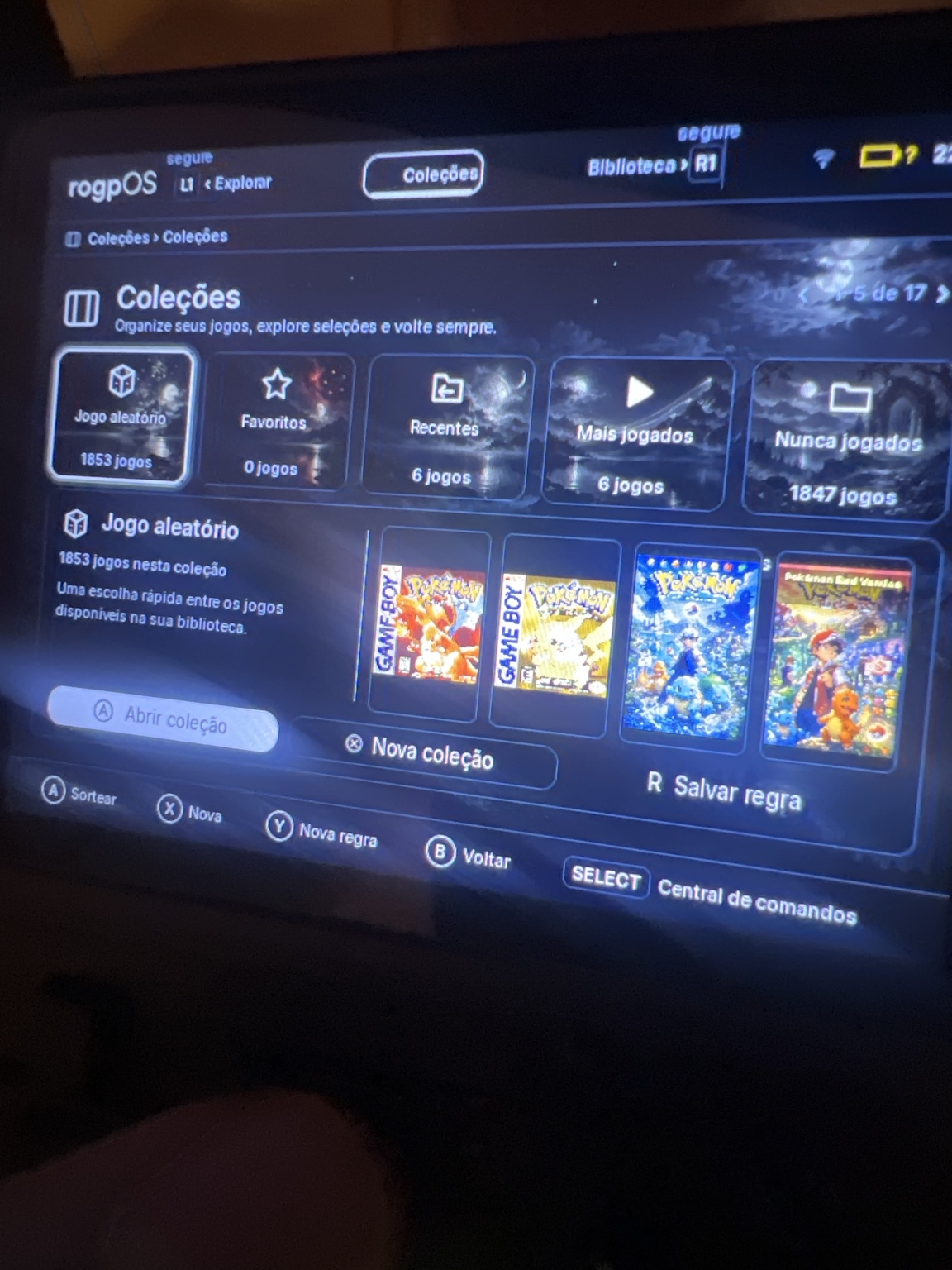
A collection for every desire.
Favorites, recent, most played or a random choice.
System under development
A new way to explore your retro library.

Capture of the local implementation. Console validation is pending.
R4 startup captured in the local implementation. Console validation is still pending.
01 / Your library
Find your games by system, gather favorites into collections, and resume what you were playing. A library made to navigate the control.
Discover the library screens ↗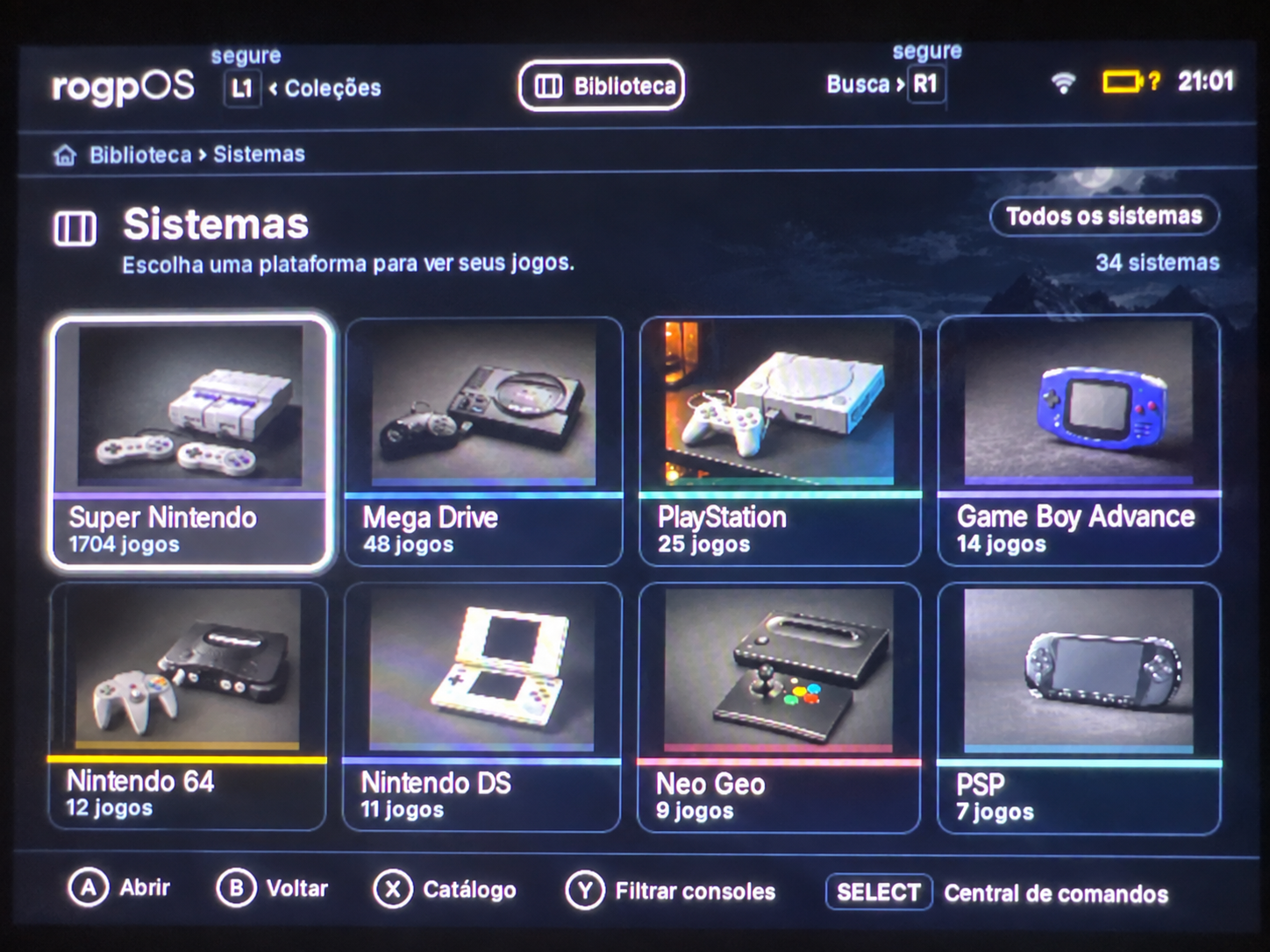
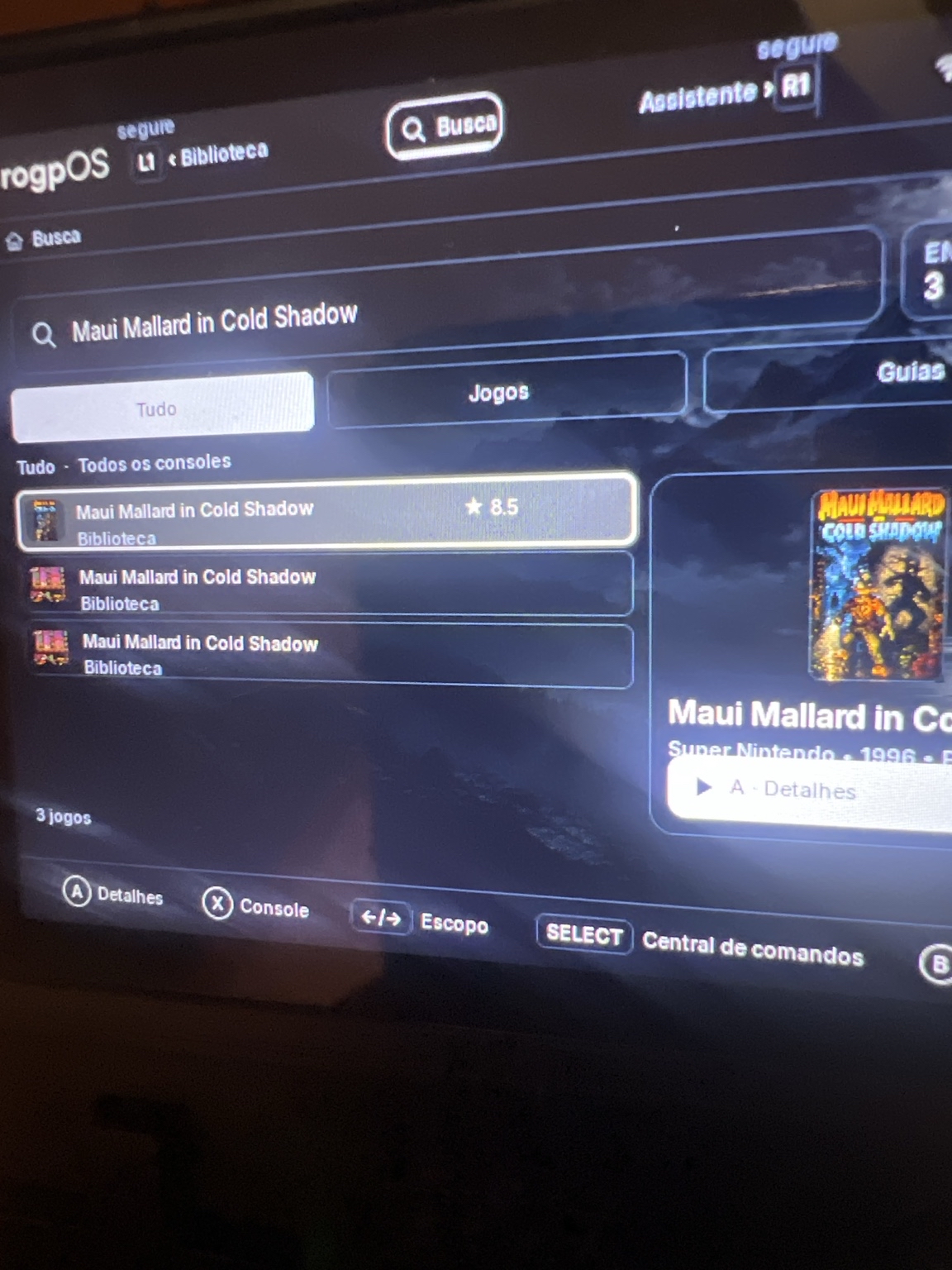
02 / Search and discovery
Search by name with the on-screen keyboard or explore related games. Covers and information help you recognize what you want to play.
See the search in use ↗03 / Your way
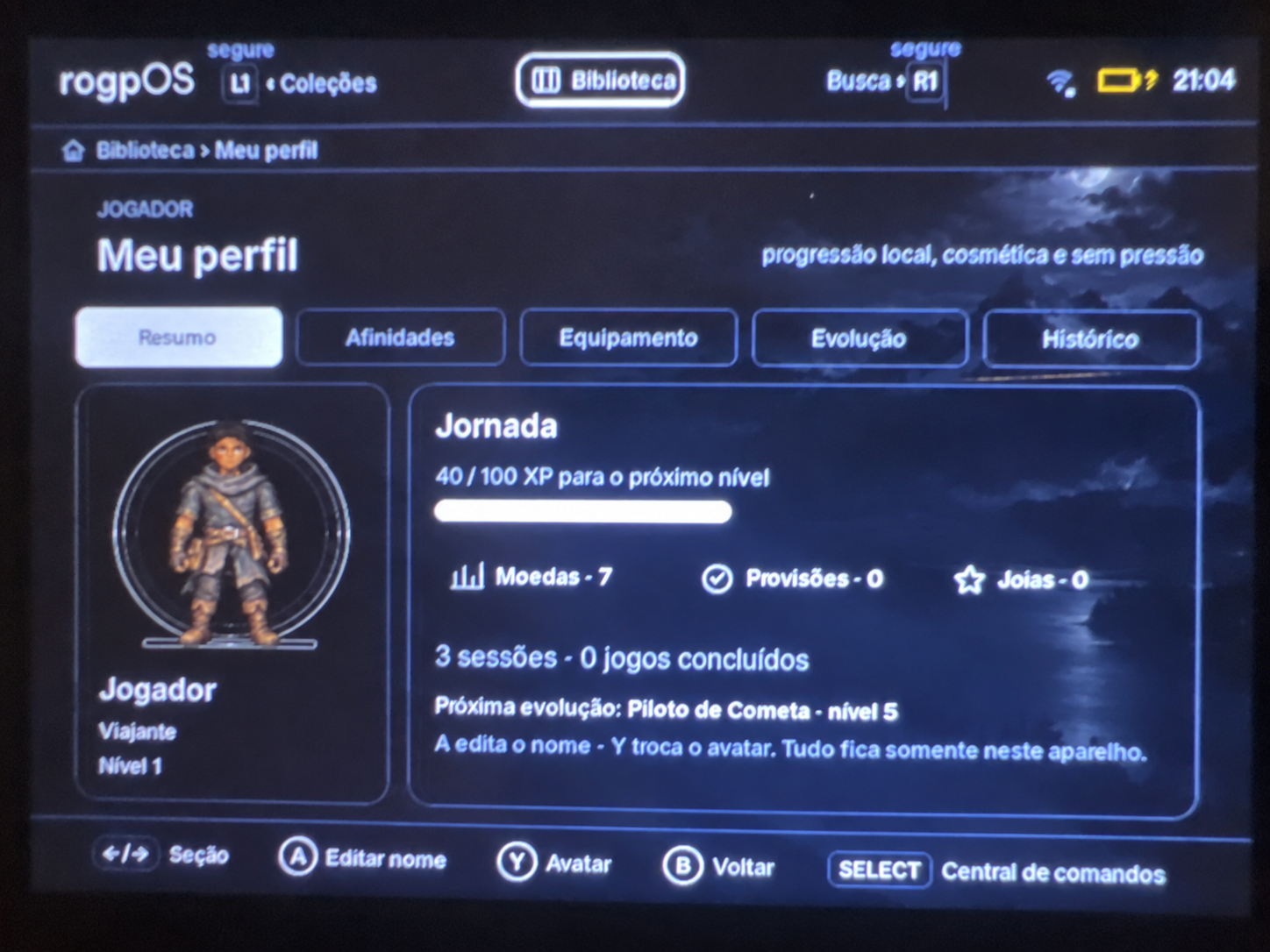
Organize your collection and track the time you spent playing. The profile has local and cosmetic progression, without measuring your skill.
Favorites, recent, most played or a random choice.
Avatar, affinities and evolution on the device itself.
04 / Content and PortMaster
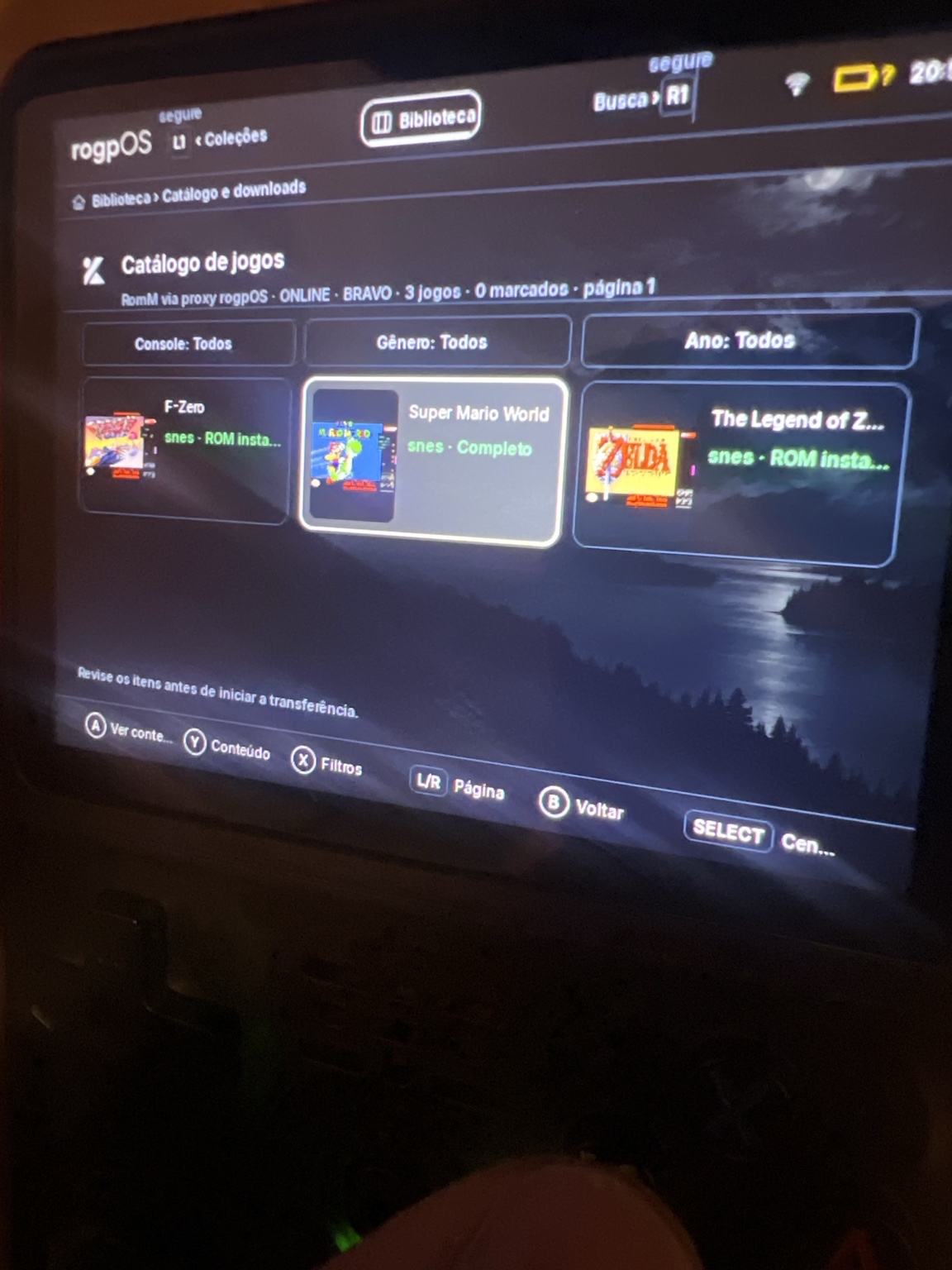
The catalog brings together content options, such as covers, manuals and metadata. The PortMaster has its own area for the device's ports.
Availability depends on source, version and device. Photos do not imply games are included or proof of performance.
The entire system
See the complete collection and discover the documented resources. Where photos or validation are still missing, this difference is indicated.
In development
Local assistant, reading manuals, backups, updates and integration with other platforms are part of the documented work. Having a screen in the code does not mean that the feature is already ready on each device.
Understand the features and their limitations ↗Find out about the assistant's proposal, the models and the device's memory limits.
Read the documentation ↗Follow the adaptation work for macOS and navigation with control.
Get to know the adaptation ↗Follow rogpOS
The public release is not yet available. Check status, compatibility and guides before preparing your card.
There is no waiting list registration on this website yet. You can follow updates through the documentation.
Discover the project ↗